
基于cmake编译C++程序
1、环境需求
ubuntu
g++
cmake
安装方式:
sudo apt install g++/cmake
2、helloSLAM
helloSLAM.cpp
#include<iostream>
using namespace std;
int main(int argc,char **argv)
{
cout<<"hello slam"<<endl;
return 0;
}
可以通过命令g++ helloSLAM.cpp进行编译,会生成可执行文件a.out,执行即可
添加CMakeLists.txt文件
//声明cmake版本要求
cmake_minimum_required(VERSION 3.16)
//声明cmake工程
project(helloSLAM)
//添加一个可执行程序(程序名 源代码文件)
add_executable(helloSLAM helloSLAM.cpp)
可以直接在该目录下编译,但建议新建build文件进行编译
mkdir build
cd build
cmake ..
make
显示编译成功的信息
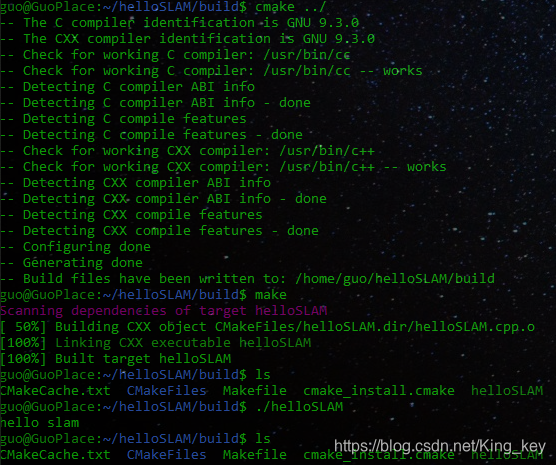
执行helloSLAM显示输出hello slam